Automated persistence
Grok now does your chores on a schedule, and email triggers are the real news
Grok now runs scheduled and email-triggered tasks without supervision. Users describe a task once, set a trigger, and Grok executes full conversations. Email triggers are a SuperGrok feature.
Emmanuel Fabrice Omgbwa Yasse AI-assisted
2026-07-21 · Last updated: 2026-08-03 · 2 min read
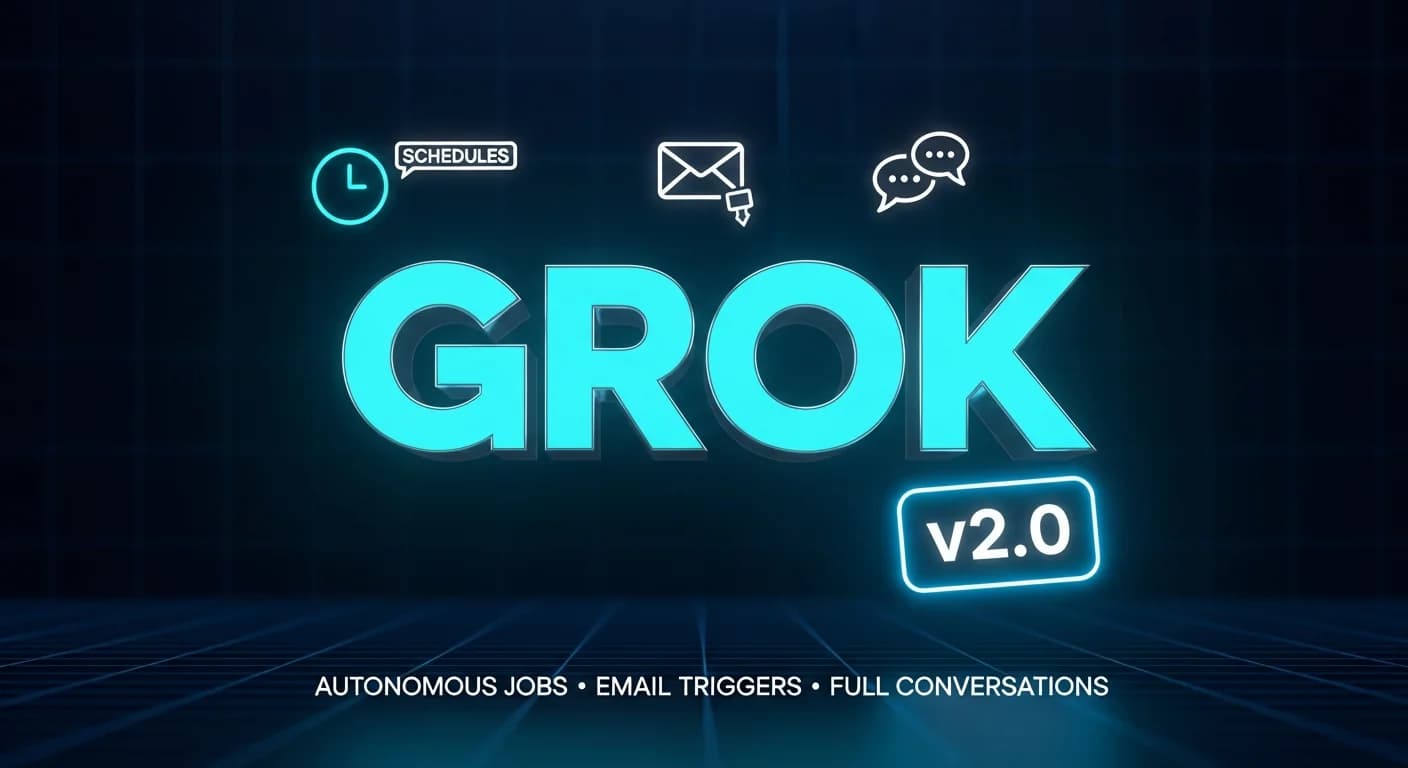
xAI shipped a feature that turns Grok from a chat interface into a persistent assistant that does work without being asked each time. Automations let users describe a task once, a morning briefing, an inbox sweep, a rent reminder, and choose when it fires: on a schedule or when a matching email lands. This shift moves Grok closer to the kind of background agent that keeps running, similar to what Hermes Agent's learning loop does during longer sessions.
The instructions read like any Grok conversation. Users can attach files for context, mention connectors with the @ symbol, and assign skills to each automation. Every execution starts a fresh conversation with those instructions and current data, and the full thread is saved to the run history. That means a user can open any past run, read the back-and-forth, or continue the conversation where Grok left off.
Schedule and trigger options

Schedules cover the usual cadences: once, daily, weekdays, weekly, monthly, or yearly, at a time in the user's timezone. xAI pitched use cases like an 8 AM morning brief before the workday starts or a rent reminder on the 1st.
Email triggers work differently. Grok watches the user's inbox and fires an automation when an incoming message matches filters based on sender, recipient, or subject. The automation receives that email as context, so Grok can reply to the actual message. xAI suggests flagging important emails the moment they land. This kind of event-driven automation is also possible with no-code pipelines, as shown in a recent inbox-summarization tutorial using ChatGPT and Make, but Grok builds it directly into the assistant.
Users can also fire an automation manually with Run now, which is primarily useful for testing a new automation right after it is configured.
Notifications and availability
Each automation has its own notification preferences: email, app notification, both, or neither. The run history shows every execution with a timestamp and a short summary of what the automation found or did.
Automations can also be created directly from a chat session. Telling Grok to "check the news every morning and flag anything about pricing" sets one up automatically. The Automations page has suggested templates for common patterns, and any automation can be paused, edited, or deleted. The ability to set up recurring tasks without supervision aligns with the broader push toward one-click cloud agents that run 24/7 seen elsewhere in the industry.
Scheduled automations are available to all users. Email triggers require a SuperGrok subscription. The feature is live on grok.com/automations and in the iOS and Android apps.
Get the tech essentials in 3 minutes every morning
One email, every weekday, with what actually matters in AI and tech.