Agentic design
Open Design 0.17.0 closes the prompt loop on Codex's last 10%
Codex Desktop and CLI can now call @open-design and get an editable artifact in Preview or Studio. The finishing pass moves to the canvas, with Manual Edit absorbing the small corrections, so the last 10% no longer needs a new prompt. 62 PRs, 23 contributors, 11 days.
Emmanuel Fabrice Omgbwa Yasse AI-assisted
2026-08-16 · 4 min read
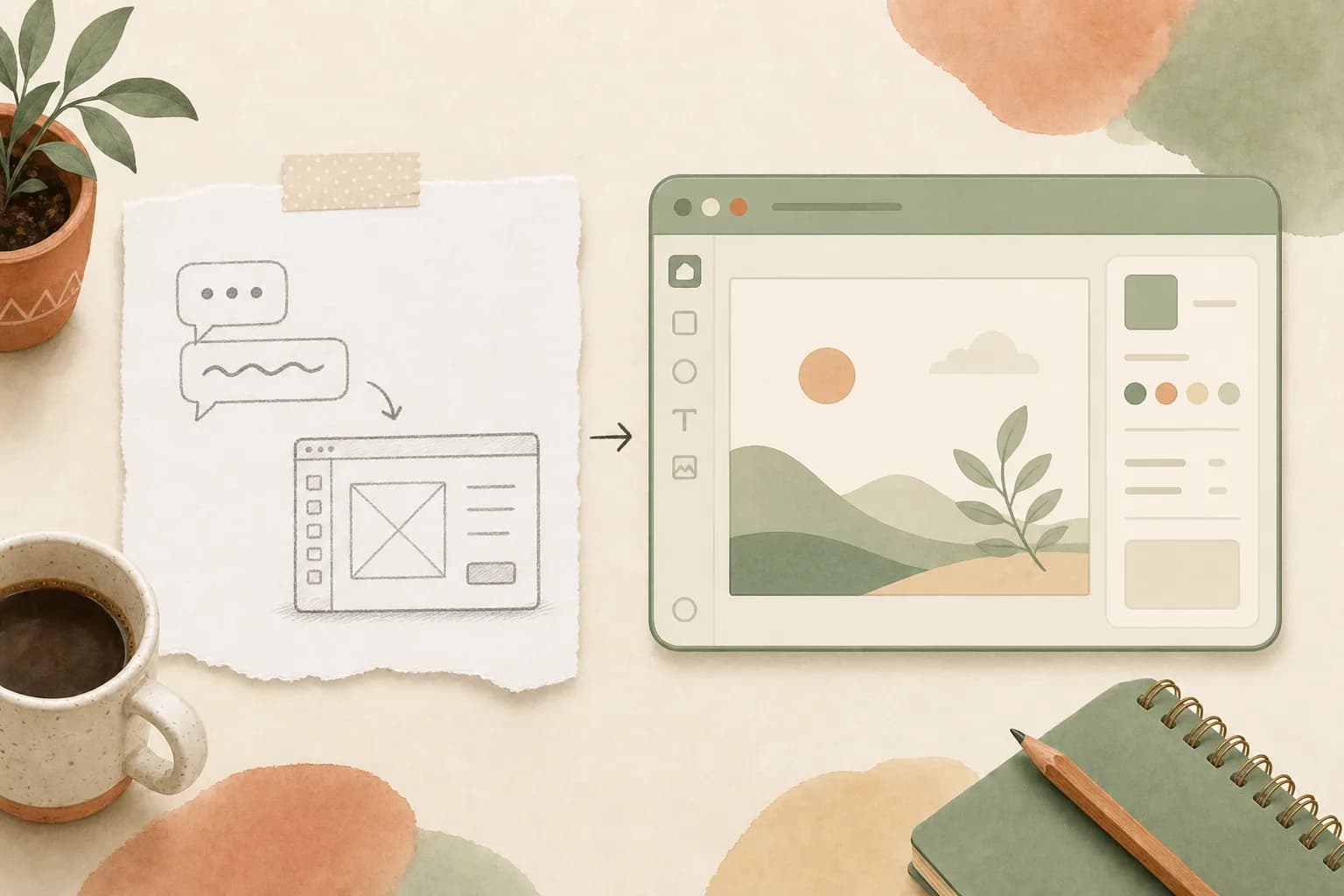
Open Design 0.17.0, published August 3, gives Codex Desktop and CLI a direct line into its design engine. Call @open-design from a conversation, agree on a brief, and the result comes back as an editable Preview or Studio artifact instead of a screenshot pasted into the chat. The release shipped in 11 days, with 62 pull requests from 23 contributors.
The release targets a narrow pain point: the closing stretch of visual work. The last 10% of a design pass is mostly concrete moves, tightening a text block, aligning two objects, cropping an image. Describing those moves in prose turns a two-second correction into a round trip through the model, and closing that loop is what 0.17.0 is about.
An editable artifact, not a screenshot
Codex now calls Open Design as a full creative engine. A brief gets validated, the user picks Open Design Cloud or a supported local runtime, and the output is a real artifact that can be opened, inspected, modified and exported. The signed runtime starts headless, so no extra window appears on top of the workflow. Artifact boundaries are showing up as a design principle elsewhere in the category: Qoder 1.0, for one, split workspace, execution and artifact boundaries into isolated worktrees.
The failure path keeps the work moving. If Studio cannot load properly inside an external host, Codex still delivers the stable preview immediately, and the full workspace can be opened later. Choosing Local Codex does not loop execution back through the plugin or push a cloud sign-in flow, and BYOK provider configuration stays in the browser storage of that device.
Manual Edit takes over the finishing pass
The centerpiece is Manual Edit as a complete finishing workflow. Select an element and move or resize it, edit its text, color and alignment, duplicate or delete it, then replace, crop, paste or drop images. Live alignment guides help each piece find its place, and undo and redo preserve the canvas instead of flickering through reloads.
The same logic shapes the agent. Open Design starts immediately when the first prompt carries enough direction, and only asks a question when a decision is genuinely missing, tied to a concrete fork in the process. Exports respect the composed output: image export follows the active Preview viewport, and framework-based decks are captured at their original size.
Reliability fixes and a wider model menu
Several changes catch mistakes before they cost an execution. Known incompatibilities between Codex model and CLI combinations are detected before launch, with a path to switch models, and timeouts after tool calls get sharper diagnostics. GPT-5.5 Fast arrives as an explicit speed-first choice, Raven joins the one-click MCP configuration, and the official Grok Build installation is auto-detected under Windows. The model menu is widening across the category, not just inside Codex: OpenCode added a Gemini lite tier that is 80% cheaper than its Flash model.
Broken updates now have an exit route from settings: clear a corrupted update cache, reinstall when an installed generation is known to be dangerous, or recover after a downloaded payload crashes. The app falls back to the last working version and repairs itself on the next healthy update, and packaged apps restart a failed sidecar on a limited policy without forcing a full restart. The update work is credited to @PerishCode.
The changes, at a glance:
| Area | What changed in 0.17.0 |
|---|---|
| Integration | @open-design call from Codex Desktop and CLI returns an editable Preview or Studio artifact |
| Finishing | Manual Edit for select, move, resize, text, color, alignment, duplication and image work, with live guides and stable undo/redo |
| Reliability | Pre-launch model/CLI compatibility checks, timeout diagnostics, update recovery and sidecar restart |
| Model fleet | GPT-5.5 Fast as a speed-first choice, Raven in one-click MCP setup, Grok Build auto-detected on Windows |
| Ecosystem | Codex Design collection of 50 skills, Codex Slides, Humanize PPT and Atelier Zero workflows |
A 50-skill toolbox and a wider shift in AI IDEs
The release has a community side too. The public Codex Design collection bundles 50 selected, installable skills spanning UI design, visual systems, Figma-to-code, motion design and image generation, each with provenance notes, practical tips and localized detail pages. Codex Slides covers prompt to deck, and community workflows such as Humanize PPT and Atelier Zero fill in around it.
Rival tools point the same way. Cursor's recent releases have been broadening agent workflows with parallel chats, mobile agents and a multi-repo Slack mode, and Google folded NotebookLM into an agent-style product with code execution. Once code generation works, the interface between agent output and human finishing becomes the differentiator.
Open Design 0.17.0 does not pretend to replace a full design tool. It shortens the loop between what the agent produces and what the human adjusts by hand. Prompts stay for direction; the canvas takes over for the details. Cursor is making the same bet with its point-and-say design mode. For anyone used to writing paragraphs about moving a button two pixels, that is the change that matters.
Get the tech essentials in 3 minutes every morning
One email, every weekday, with what actually matters in AI and tech.