Apple Services
Apple's 2027 services update turns your iPhone into a smarter wallet and compass
Apple's fall 2027 software release brings AI-powered bill splitting, timed location sharing, enhanced Flyover maps, video podcasts on Mac and tvOS, and revamped Shared Albums. The updates aim to make Apple's services more practical and interconnected, but the lock-in is real.
Emmanuel Fabrice Omgbwa Yasse AI-assisted
2026-07-30 · Last updated: 2026-08-03 · 5 min read
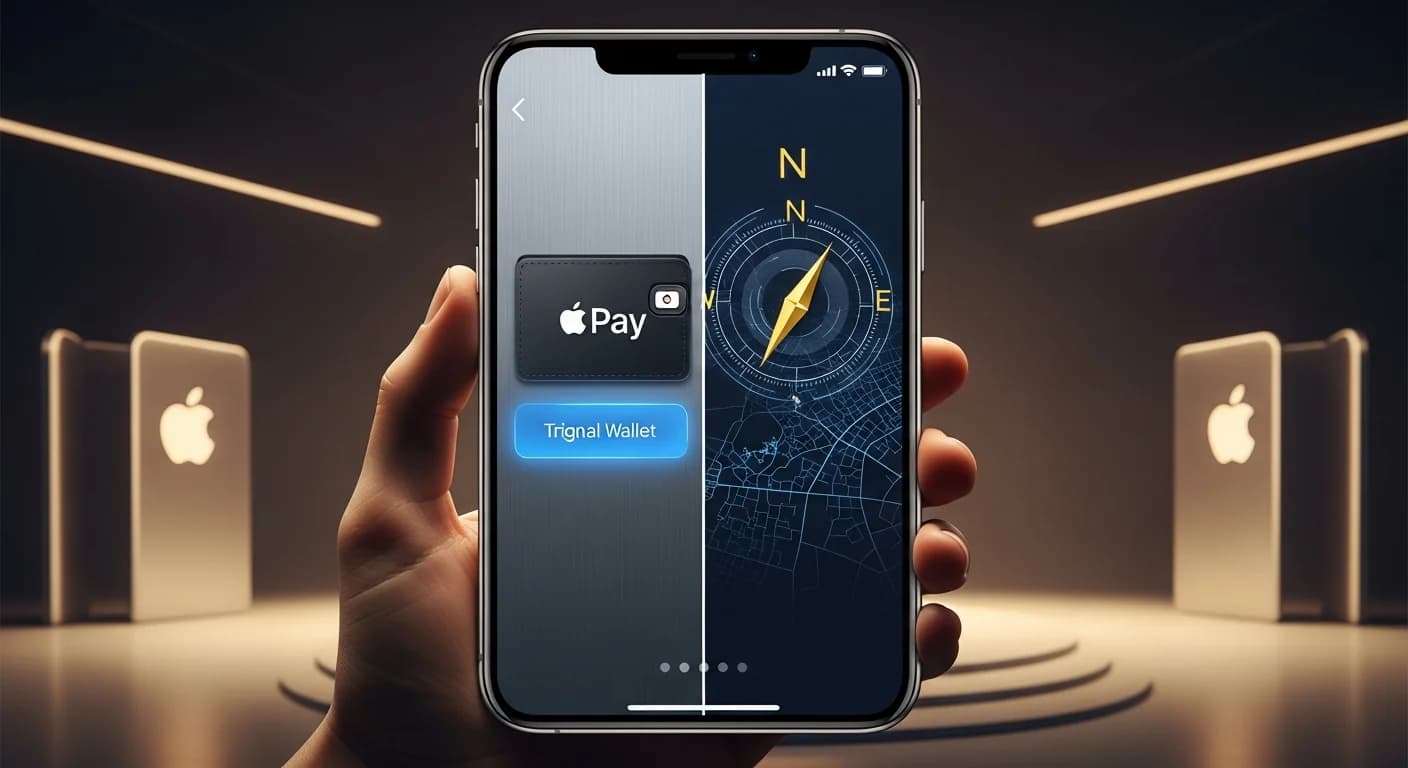
Apple's annual services refresh usually reads like a laundry list of tiny tweaks. This year's batch, announced Monday for the fall 2027 releases, feels different, not because any single feature changes everything, but because the company is quietly wiring its services into a coherent intelligence layer that understands context: where you are, what you're looking at, and how long you intend to stay.
The headline act pairs Visual Intelligence with Apple Cash. With iOS 27, you point your iPhone at a restaurant receipt and split the bill with friends via Apple Cash. The system reads the items, lets each person pick what they ordered, then calculates their share of tax and tip. It works from Messages, Wallet, or through the Camera app's new Siri mode. The feature is U.S.-only for now, which signals where Apple wants its payment stack to go: frictionless, implicit, tied to the physical world through the camera. This kind of implicit, context-aware computing mirrors the direction of many AI assistants, such as the unified agent approach Mistral adopted when it rebranded Le Chat to handle both email and pull requests, documented in Mistral's single-agent bet.
Maps gets a brain and a list
Apple Maps is leaning harder into AI-powered exploration. The enhanced Flyover experience combines aerial imagery with machine learning to render select cities in sharper, more lifelike detail. It's less a navigation tool and more a pre-trip scouting window. Separately, Local Lists, rolling out in the U.S., surfaces trending collections of places, from popular dinner spots to kid-friendly outings, based on aggregated, privacy-preserving signals rather than individual user profiles. Apple is careful to note that these insights are never tied to a specific person. The approach is consistent with the company's broader privacy posture: the AI works on-device or on aggregated data, not on your personal movement history. This technique of extracting insights from movement data without revealing identities echoes how AI tracking data is reshaping scouting in football, as explored in the off-ball revolution in football scouting.
Find My trades permanence for precision

Location sharing gets overdue flexibility. You can now share your location for a custom duration, minutes, hours, or days, or set a specific stop time. You can also pause sharing for a given person until the end of the day. The use cases are mundane but real: shopping for a surprise gift without spoiling it, or letting friends know where you are during a festival without leaving the tracker running all week.
On Apple Watch, the three separate finder apps, Find Devices, Find Items, Find People, collapse into a single unified Find My app with a map-centric interface. It also gains Precision Finding support for the paired iPhone, AirTag (2nd generation), and AirPods Pro 3, provided you have an Apple Watch Ultra 2 or Series 9 or later.
A smarter wallet, a less cluttered pocket
Apple Wallet is expanding beyond digital cards. You can now create and store passes from physical loyalty or membership cards by scanning them with the Camera app, or even from a screenshot. The pass lives in Wallet as a barcode or QR code, ready to scan without digging through a bag. It can be pinned to the Apple Watch Smart Stack for instant access. This use of the camera as an input device for generating structured data mirrors the approach of models that focus on generating legible text and dense layouts, such as Alibaba's Qwen-Image-3.0, which targets practical document generation over artistic polish, as covered in Alibaba's document-generation model.
The enhanced hotel key experience goes further: guests with participating hotels can see trip details, activity updates, and available services directly in Wallet, not in a separate app. Apple is effectively turning the wallet into a lightweight concierge.
Apple Pay gets a visual redesign during checkout, with the ability to swipe between cards and see rewards balances, debit account balances, and pay-later options inline. And Tap to Pay on iPhone is getting Tap to Share, a feature that lets customers tap their iPhone to a merchant's iPhone to share contact info, shipping address, and loyalty data securely, while also seeing their basket in real time before paying.
Podcasts, music, and the big screen
Video podcasts are finally coming to macOS and tvOS, with Picture in Picture support on Mac. The tvOS version gets a full redesign with sidebar navigation and support for episode and show artwork. A new search-within-show feature on all platforms lets users find episodes faster by searching directly inside a show's episode list.
Apple Music adds Lyrics Translation for seven new language pairings, from English to French, German, Italian, Korean, and Spanish, plus five new Lyrics Pronunciation pairings, including English to Hangul and Japanese to Hangul. AutoMix gets more immersive transitions and expands to tvOS and HomePod. Hi-Res Lossless Audio is coming to tvOS for subscribers with compatible external speakers.
The bigger picture
None of these updates are radical on their own. What's notable is the pattern: Apple's services are increasingly using the camera as an input device (receipt scanning, pass creation, visual search), intelligence as a filter (Maps trends, bill splitting), and time as a parameter (location sharing durations, temporary iCloud albums). The company is solving small, real friction points, splitting a dinner check, finding a good restaurant in an unfamiliar city, keeping a surprise party under wraps, without asking users to change their habits.
And it's doing so, as always, within its walled garden. To use any of these features, you need an iPhone 15 Pro or later (or specific iPad and Watch models), an Apple Intelligence-enabled device, and for the payment features, an Apple Cash account in the U.S. The innovations are real, but so is the lock-in. The experience of being inside Apple's ecosystem is becoming as sticky as the services themselves, the same kind of dependency that happens when an integrated toolset learns from its users, as seen in Copilot's quality shift after absorbing open-source code. Or consider how ecosystem lock-in shapes cloud strategies, as the economics of model scale can force hard choices, as in the revaluation triggered by Moonshot AI's Kimi K3, discussed in the $314 billion assumption that broke.
The public beta starts next month. The full release arrives this fall.
- Source : Apple Newsroom
Get the tech essentials in 3 minutes every morning
One email, every weekday, with what actually matters in AI and tech.