Design Tools
Open Design 0.18.0 ends the 'is this the latest version?' meeting
Open Design 0.18.0 ships a shared Team workspace with live read-only mirrors and lets Codex call the design engine headlessly. 115 pull requests from 22 contributors landed in two days. Here's what changed and the agent-tooling trend it fits.
Emmanuel Fabrice Omgbwa Yasse AI-assisted
2026-08-21 · 5 min read
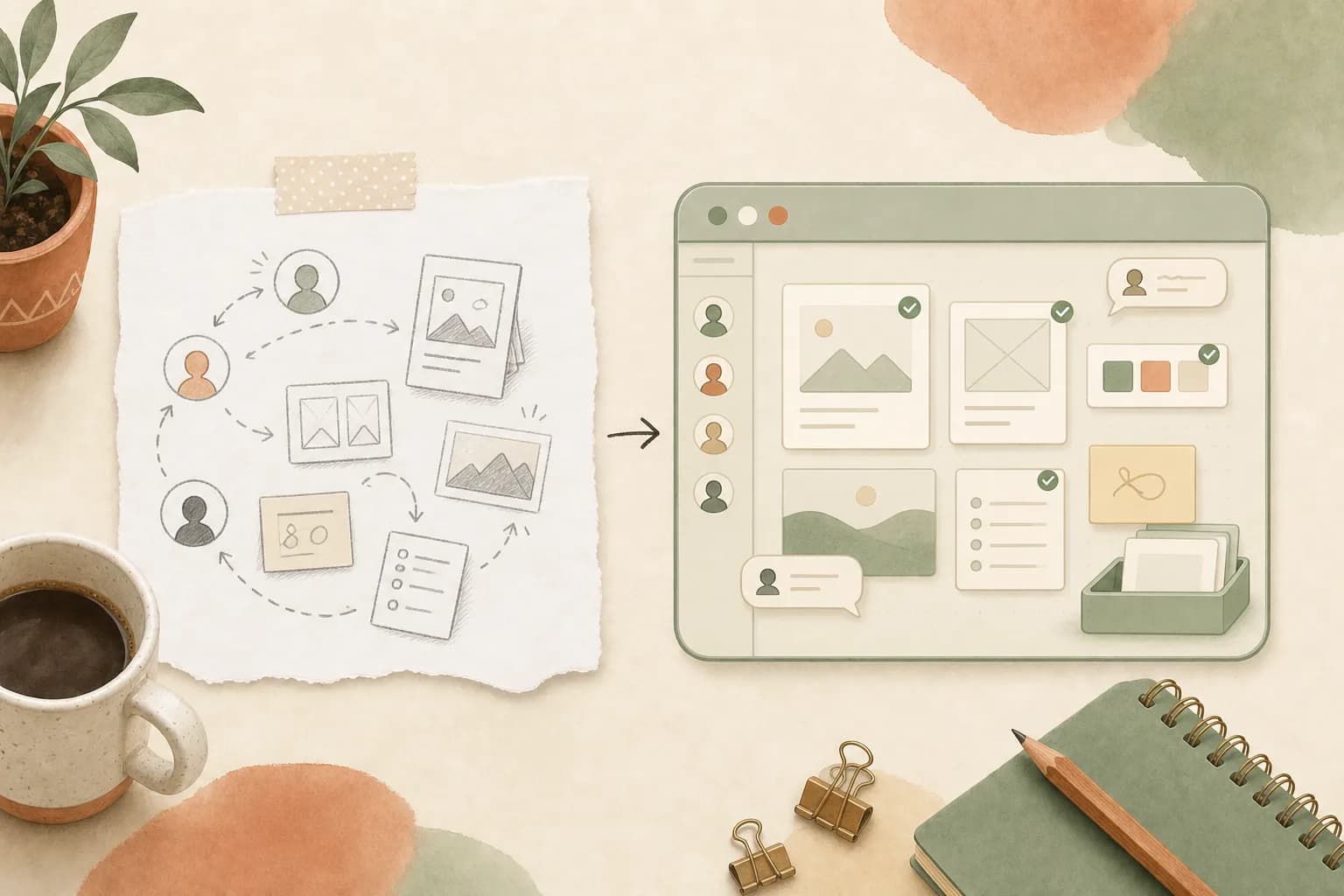
Design collaboration usually starts by leaving the design tool. Someone exports a file, pastes a screenshot into the chat, asks which copy is current, then repeats the setup for the next person. Open Design 0.18.0, released August 5, 2026, is built to retire that sequence.
Codenamed "Design Team Workspace. Now in Codex.", the release bundles 115 pull requests from 22 contributors, all in two days. It comes down to two changes: design teams get a shared workspace, and Codex can call Open Design as a full creative engine.
A team workspace that mirrors work, not files
The new Team workspace sits next to the personal one. Create it, switch to it, and invite colleagues with a role, through a flow that accounts for seats. Everyone signs in with the same Open Design Cloud account and lands in the same place. The boundary is clean: personal work stays personal, while team projects, shared resources and spend belong to the active Team space. The plan badge shows which space you are in, so sharing work never requires guessing which account or balance applies.
What changes the review ritual is the live mirror. Move a project into the Team space and each member gets a read-only mirror that stays current. Content pulls automatically while the owner works, presence avatars show who is looking, transfer progress stays visible, and comments flow both ways, including from read-only members. That kills the resend-a-project step and makes "Is this the latest version?" a meeting topic nobody needs. The owner keeps editing rights; everyone else reads the current state in context. Sharing becomes useful before a project is finished, without turning each review into a merge problem.
Billing follows the same split: balances, top-ups and run costs are attributed to the active space, so team work is billed to the team and personal exploration stays personal. Getting the money right is the easy half of agent infrastructure; trust is where the industry keeps slipping.
Codex calls a design engine, headless
Version 0.17.0 made Open Design reachable from Codex. 0.18.0 makes that connection the point. Codex Desktop and the CLI can call Open Design as a complete creative engine: validate a visual brief, pick Open Design Cloud or a supported local runtime, and get a real result in Preview or Studio without assembling a second stack by hand. The signed Open Design runtime starts without an interface when Codex needs it, so there is no extra app window to monitor. External MCP hosts no longer lose Open Design when its local service returns on a different port after a restart; the connection finds its way back and @open-design keeps working without reconfiguration.
Users jumping straight from 0.16.x get 0.17.0 in the same upgrade, since that version made Open Design the design layer Codex can reach directly.
The pattern: agents are becoming the workspace
That headless, self-reconnecting runtime is what turns Open Design from an app into infrastructure. The team workspace exists so people who are not running the engine can still review what it produces. The same separation is driving coding agents off local machines elsewhere in the stack.
Open Design is not alone. Google replaced NotebookLM with Gemini Notebook, an agent that can execute code in a secure cloud computer. Cursor routes agent work through an inbox that tracks what is in progress and which pull requests are under review, and its updated Design Mode lets reviewers annotate a page directly instead of translating feedback into code (our Design Mode write-up). All three point the same way: the agent becomes the workspace, and the tool becomes what the agent can call. Qoder's Canvas makes the same case from the other side, arguing the chat window is the wrong container for complex agent output.
| Tool | What the agent can do | Where the workspace lives |
|---|---|---|
| Open Design 0.18.0 | Call a full design engine headlessly via Codex Desktop and CLI | Team space with live read-only mirrors |
| Gemini Notebook | Execute code in a secure cloud computer | Replaces NotebookLM; syncs with the Gemini app and Search |
| Cursor | Track work and pull requests through an agent inbox | Inside the app, with multi-PR sessions in chat |
Agents that finish what they start
The team layer would be worth little if long tasks still stalled at the finish line. Sessions that used to hang just after a tool call now restart on their own. Kiro executions end their turn cleanly instead of staying suspended. When an AMR execution truly blocks, the app can explain why. Mandatory questions no longer act as a locked door: if an agent asks something you cannot or will not answer, skip it and keep going, and the agent works with the context it has instead of holding the run hostage. Permission design is exactly where dynamic permission architectures are trying to reduce friction.
The rest of the changelog
Clone Audit joins the community plugin library, credited to @bestthanapon. It inspects a cloned site for visual fidelity, leftover trackers, source brand or language residue, placeholders and risky external dependencies, then returns a deployment verdict backed by evidence and precise file and line references.
The plugin catalog gains a landing page so plugins are discoverable before the app is installed. The Codex agent page is repositioned toward people searching for a Codex UI and a design workflow. The embedded browser remembers your viewport, thanks to @HD-L. Deleting a project now clears its saved tab layout, thanks to @EthanGuo-coder. Azure deployment names are editable again for BYOK users, thanks to @mturac. Billing failures retry on a backoff curve instead of hammering a dead connection. The app currently favors the light theme, and the theme setting is removed while the new surfaces settle into a coherent look.
Where this leaves design teams
The release does not add a Share button so much as remove a category of busywork. The live mirror, the presence avatars, the two-way comments, the plan badge that says which balance pays for a run: together they make "the work, the context and the tools arrive together" a description of a workflow rather than a keynote line.
The release notes suggest a quick first step: create a Team space, move a real project into it, and invite the person who would otherwise ask for the latest screenshot. That person now opens a live mirror instead.
Get the tech essentials in 3 minutes every morning
One email, every weekday, with what actually matters in AI and tech.