Developer Tools
Grok Build CLI fixed 20 bugs and proved polish beats features
20+ bug fixes, a tutorial, and configuration overhauls. The Grok Build CLI update skips hype and delivers the polish that signals a production-grade tool.
Emmanuel Fabrice Omgbwa Yasse AI-assisted
2026-07-25 · 3 min read
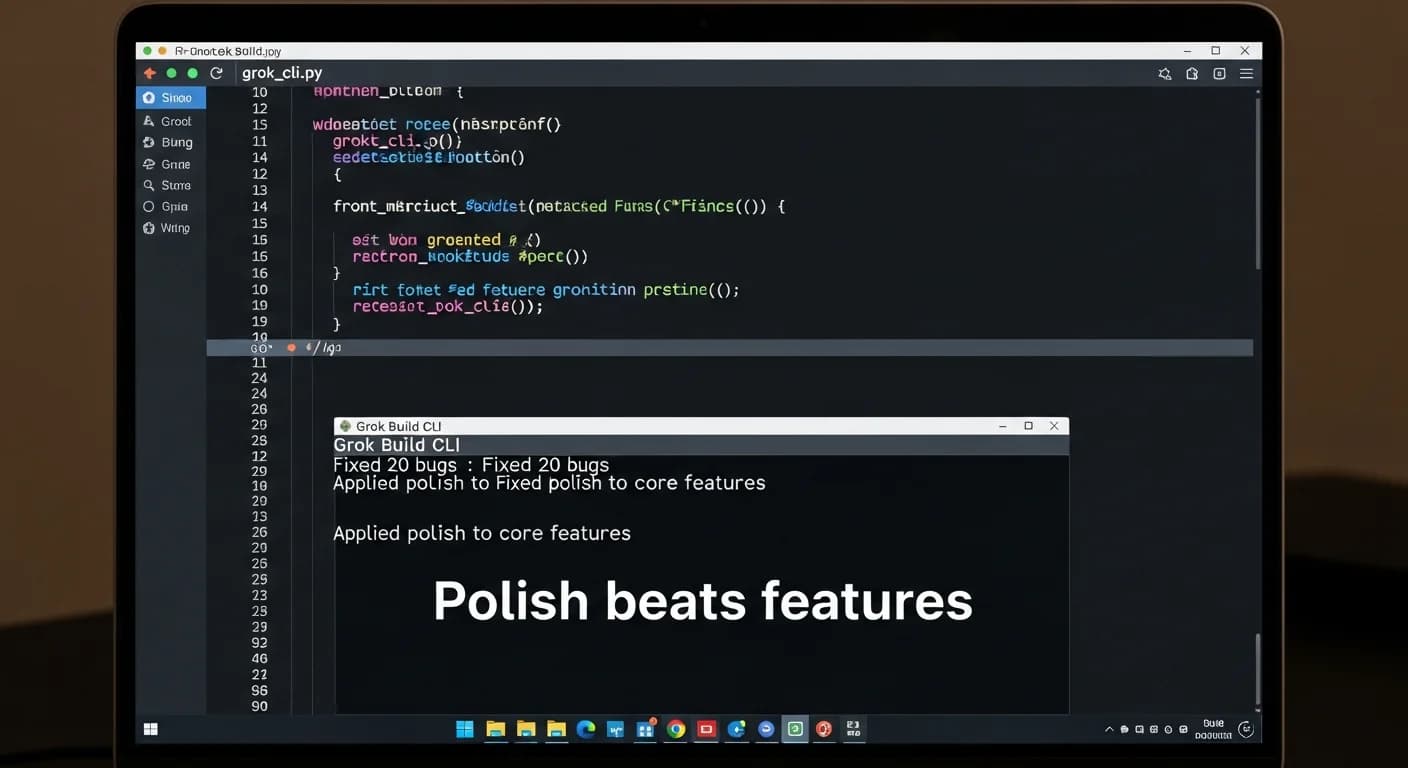
The changelog for Grok Build CLI v0.2.112 runs long, maybe two dozen bullet points. But the real story is what is missing: no new flagship feature, no big AI model upgrade, no radical workflow redesign. xAI spent this cycle fixing the things that broke, the confusing parts of the interface, and the gaps that early adopters had to work around. That emphasis on production reliability over headline features aligns with the findings in a production reality check that reveals what really breaks when AI agents leave the lab.
What got fixed matters more than what got added
The bug fixes target the typical rough edges of a terminal-based tool evolving fast. Resumed conversations no longer drop attachments. Background shell commands now report real exit codes instead of always showing -1. The tasks tray clears killed processes properly. Forking from a rewound session copies the correct history. Linux voice dictation works on PipeWire before 1.6. The account pane shows name and email after the access token expires.
None of these are glamorous. Each one is a quality-of-life fix that a daily user would notice. Together, they suggest the team is systematically addressing friction points, much like the workflow maturity levels LangGraph codifies for AI agents.
New features that lower the learning curve
The most visible addition is the /tutorial slash command, an opt-in tour that walks through nine topics of Grok Build. For a tool that combines chat, shell commands, workflow automation, and extension management, an onboarding path is overdue.
The configuration layer also grew. Users can now set date cutoffs and domain allowlists for the agent's built-in search tools through a tool_overrides option. Custom model providers get support for query parameters and environment-backed headers. A new toggle disables the Ctrl+Space/F8 voice shortcut without killing voice entirely. This focus on user choice over lock-in reflects the market trend that drove OpenCode to $40M ARR by betting on developer preferences.
One small change worth noting: web search now defaults to grok-4.5, quietly updating the search backend without requiring a manual switch.
Workflows get a polish pass
The workflow overlay now shows live per-agent progress and auto-follows the active phase. Failed runs can be resumed, scratch file limits are increased, and hooks can be defined in config.toml in addition to JSON files. Details like these separate a prototype from a daily driver. Managing state across steps is where even the best agents stumble, which is why frameworks like PRO-LONG focus on multi-step recall for long sequences.
The one breaking change worth understanding
There is exactly one breaking change: the CLI version policy now separates soft update floors and ceilings from hard startup requirements. Users on old versions might get a warning before a hard block, reducing surprise breakage.
The marketplace also rejects non-git URLs at add time instead of failing later, a small friction removal that improves the developer experience without anyone noticing until they encounter the old behavior elsewhere.
This release does not change what Grok Build can do. It changes how reliably it does it. For a tool early in its public life, that kind of infrastructure-first upgrade is the one that determines whether users stay or switch. It is a reminder that making deployment boring often matters more than the flashy model, as Hugging Face's infrastructure pivot demonstrates.
- Source : Grok Build CLI changelog v0.2.112
Get the tech essentials in 3 minutes every morning
One email, every weekday, with what actually matters in AI and tech.