Terminal Security
The '$HOME' trap: AI coding agents need sandboxes, not 'allow?' prompts
Qoder's terminal sandbox blocks close to a hundred destructive agent commands every day. The cases behind those blocks explain why 'allow?' prompts fail: a project folder named $HOME, a cleanup that targeted /root, and a click that nearly cost an entire disk.
Emmanuel Fabrice Omgbwa Yasse AI-assisted
2026-08-13 · 7 min read
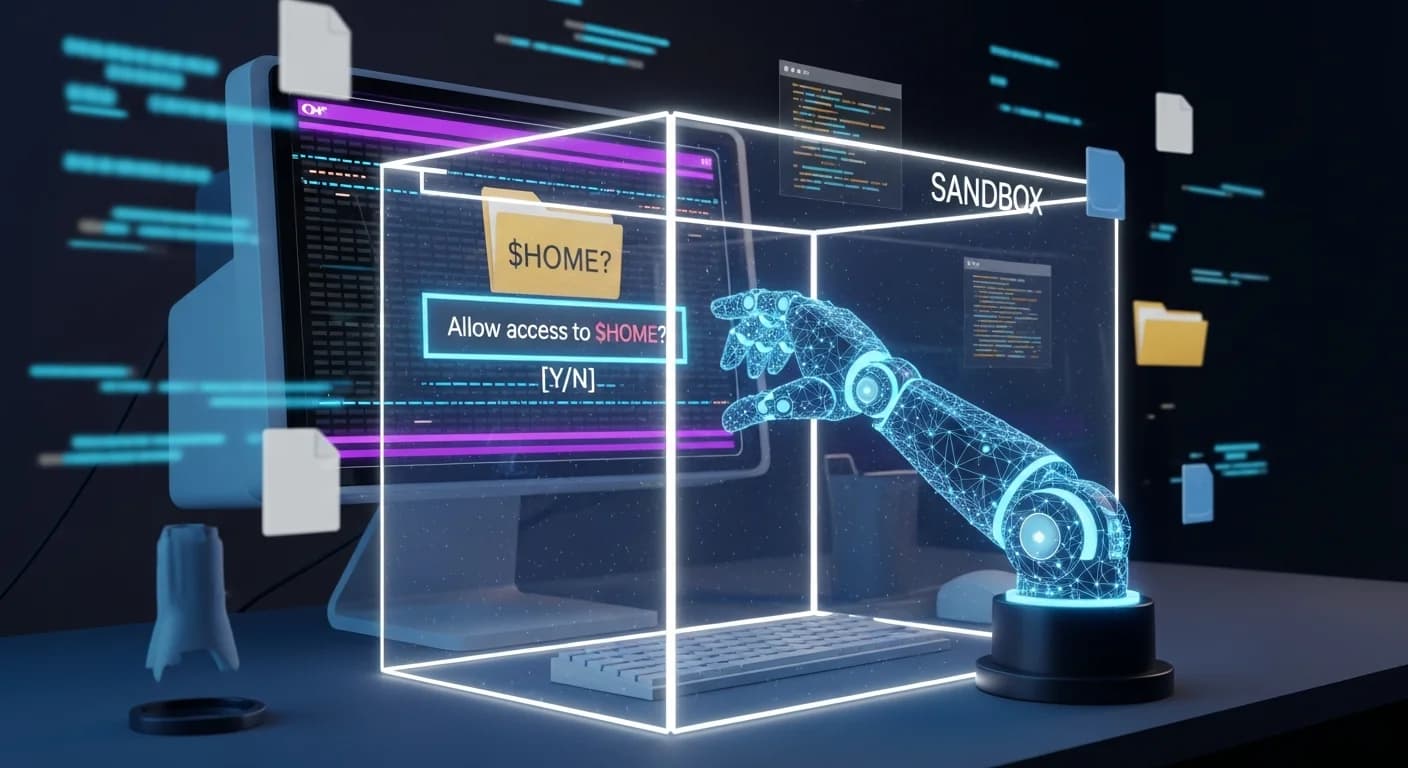
One million terminal commands run through Qoder's sandbox every day, by the team's own numbers. Just over ten thousand get flagged; close to a hundred touch something they should not, enough in one line to destroy a week of a developer's work.
Hallucinations can mistake a project directory for a temp folder; environment mismatches can redirect cleanup at a system path. Qoder's write-up documents both and argues that when an agent executes commands for you, an 'allow?' prompt is not enough.
A million commands a day, and a hundred near misses
Case one is a Windows cleanup gone sideways. The agent ran cmd /c "rmdir /s /q "C:\Users\...\SuperMarioGame\src"". Intent: file cleanup. The model treated the project source directory as disposable, and rmdir /s /q deletes recursively without confirmation. It looks like a normal dev operation, which is what makes it dangerous.
Case two is environment mismatch, no attacker required. A developer asked the agent to run a build-cleanup script containing rm -rf "$OUTPUT/root". Locally $OUTPUT pointed to build artifacts; when the agent executed it, the variable had not loaded, $OUTPUT expanded to empty, and the command became rm -rf "/root". The sandbox denied the write: /root was not on the workspace allowlist.
The '$HOME' trap: when 'allow?' protects nothing
There is a third case the Qoder team keeps pinned to its wall. A developer asked the AI to clean temp files in the project root. The project contained a subdirectory named $HOME. The model generated rm -rf "$HOME": to the eye, a project-internal deletion. The moment the shell touched it, $HOME expanded to the user's actual home directory.
The confirmation dialog did appear. The developer did click confirm, believing they were approving deletion of a project folder. The disk was nearly wiped clean. The OS would not boot. It is the kind of failure that never shows up in a demo, one of the traps that wait for agents in production.
That story is the argument. A dialog can only show what the user thinks a command means; the shell executes what the command means after expansion. Nothing in a button bridges that gap. Blocklists match strings, and strings get bypassed: cmd /c "rmdir /s /q" does the same work as rm -rf while looking nothing like it, and a wrapped script hides the command name entirely. Dialogs hand the decision to someone who has clicked through hundreds of prompts and mostly clicks on reflex. Once approved, a command runs with full user privileges: files, network, environment, system resources. The fix does not have to live in the dialog: a dynamic permission architecture backed by a synthetic dataset cut agent permission violations by 93 percent.
Cursor, Codex, Claude Code: the industry moves past dialogs
Qoder surveyed terminal security across the major AI coding tools. Terminal execution is table stakes; sandboxing is catching up; the open question is the fallback when it fails. Cursor supports sandboxed execution with network, filesystem, and allowlist policies in sandbox.json, native on macOS and Linux, with Windows relying on WSL2. Codex exposes OS-level policies for file writes, network, and approvals, a CLI-first surface for power users. Claude Code uses Seatbelt on macOS and bubblewrap on Linux to cut permission prompts.
| Tool | Isolation mechanism | Windows situation | Design emphasis |
|---|---|---|---|
| Cursor | Network, filesystem and allowlist policies via sandbox.json | WSL2 required | Native on macOS and Linux |
| Codex | OS-level policies for file writes, network, approvals | CLI-first policy surface | Power users, automation |
| Claude Code | Seatbelt on macOS, bubblewrap on Linux | Not detailed in the survey | Fewer prompts, bounded execution |
| Qoder | sandbox-exec + Seatbelt, bubblewrap, custom Rust restricted tokens | Native, since Windows 7 | Four-layer pipeline plus AI Review |
Stripped of the specs, the pattern is clear: permission dialogs alone are no longer the primary control. What separates the tools is platform coverage and how smooth the fallback to user confirmation is. Qoder picks the OS-level mechanism per platform so protection works without users learning the implementation.
Four layers, then a second look
Before execution, every command passes through a pipeline: LLM risk assessment, multi-platform parsing, sandbox wrapping, OS isolation. An LLM judges intent at generation time; three AST parsers handle PowerShell, Bash/Zsh, and CMD, decomposing commands into structured names and argument lists. A built-in list flags rm, format, del, rmdir.
Blocklists lose their excuse at the AST layer. A prompt injection could make the model generate whoami `rm -rf /`. To the eye it is whoami; the parser pulls out two command names and catches the rm in backticks. Structural analysis sees what string matching cannot.
But "is this command dangerous?" is not the question that decides developer experience. The question is what to do about it. A flagged command is not necessarily destructive: deleting a committed, git-tracked file is recoverable; deleting a path built from an unresolved variable is not. So Qoder shipped an AI Review layer, a second lightweight model invocation that judges consequence, not intent, at two points.
At the sandbox entrance, it receives the repository's git status as natural-language context to reason about recoverability; safe means sandboxed execution, else a confirmation dialog. At the permission-escalation gate, when sandbox execution failed and the model asks to rerun with full permissions, it is more conservative and checks only whether system files outside the workspace would be damaged; allowed, else another dialog. The same instinct shows up at Hugging Face, where Moon Bot queries production data without the LLM ever seeing the keys.
Both reviews run at low temperature, return JSON with a verdict and a reason, and time out at 10 seconds with three retries. The asymmetry is intentional: with the switch off, the entrance defaults to allowing while escalation defaults to blocking; unreachable, everything blocks. An extra dialog is cheap; a missed destructive command is not.
Windows was the hard part
On macOS, Qoder reuses sandbox-exec, generating Seatbelt policies from a deny-default baseline. Git added edge cases: write access to temp and device files, and a read-only .git so git log and git diff work while git commit and git push require escalation. Startup overhead is 43 to 72 milliseconds, under 5% on second-scale commands. Linux uses bubblewrap: root filesystem read-only, sensitive paths covered with empty tmpfs, network cut with one flag.
Windows has no equivalent out of the box, and Qoder calls it the hardest part of the project. The team evaluated 15 isolation technologies, from Hyper-V and Windows Sandbox to AppContainer and Sandboxie; few fit an IDE's constraints: high invocation frequency, startup latency, backward compatibility. The result is a custom Rust solution, working since Windows 7 with millisecond-level startup, using restricted tokens so child processes write only to authorized paths. AppContainer lost out: stronger isolation, but difficult dynamic authorization and Windows 8 and above only. Two rounds of testing averaged 7.7% overhead, concentrated on process startup; PowerShell spawns ran about 19% slower, roughly 4.8 seconds more per invocation.
Sandboxing as agent infrastructure
The bigger shift is what the sandbox is for. Agents used to generate code, with risk living in code review. Now they run commands, modify files, invoke skills, and reach the network, so the IDE has to own execution security. That responsibility grows as coding agents leave the local machine for remote execution. Qoder frames the terminal sandbox as infrastructure for the agent harness: one fewer chance for a solo developer to delete a project; for teams, a starting point for governance and audit, which is rare in the industry: most enterprises can't say what their AI coding agents actually did today. The roadmap: user-defined and per-command policy overrides, enterprise distribution, audit log reporting.
Alibaba's other agent tooling points the same way. Qoder 1.0 gave up on the single-workspace IDE for isolated worktrees so parallel tasks stop colliding, and its scoped memory engine cut input tokens by 40% per Alibaba's A/B data. Anolisa v0.3 blocks malicious instructions hidden in external input, scans agent-generated code before it runs, and cryptographically signs third-party skills. The bet: the next competitive round for coding agents is process, not raw model performance, and Alibaba is placing the same bet beyond the IDE: it is automating security operations.
- Source : The '$HOME' trap: AI coding agents need sandboxes, not 'allow?' prompts — 2026-03-25
Get the tech essentials in 3 minutes every morning
One email, every weekday, with what actually matters in AI and tech.